BARRIER-AWARE WAYFINDING — INSIGHTS → FLOWS → PROTOTYPE (DEMO) → SYSTEM → HANDOFF
Step-free routing that adapts to elevators, ramps, and real-world constraints
Designed a trust-first navigation flow that explains accessibility tradeoffs clearly and reroutes fast when conditions change.
Delivered an interactive demo + reusable patterns (filters, confidence signals, edge states) with ship-ready specs for consistent rollout.
Metrics: 8 screens • 10 components • iterations • usability checks
ROLE
Product/UX Designer
EXPERTISE
End-to-end UX • Interaction Design • Systems Thinking
YEAR
2025
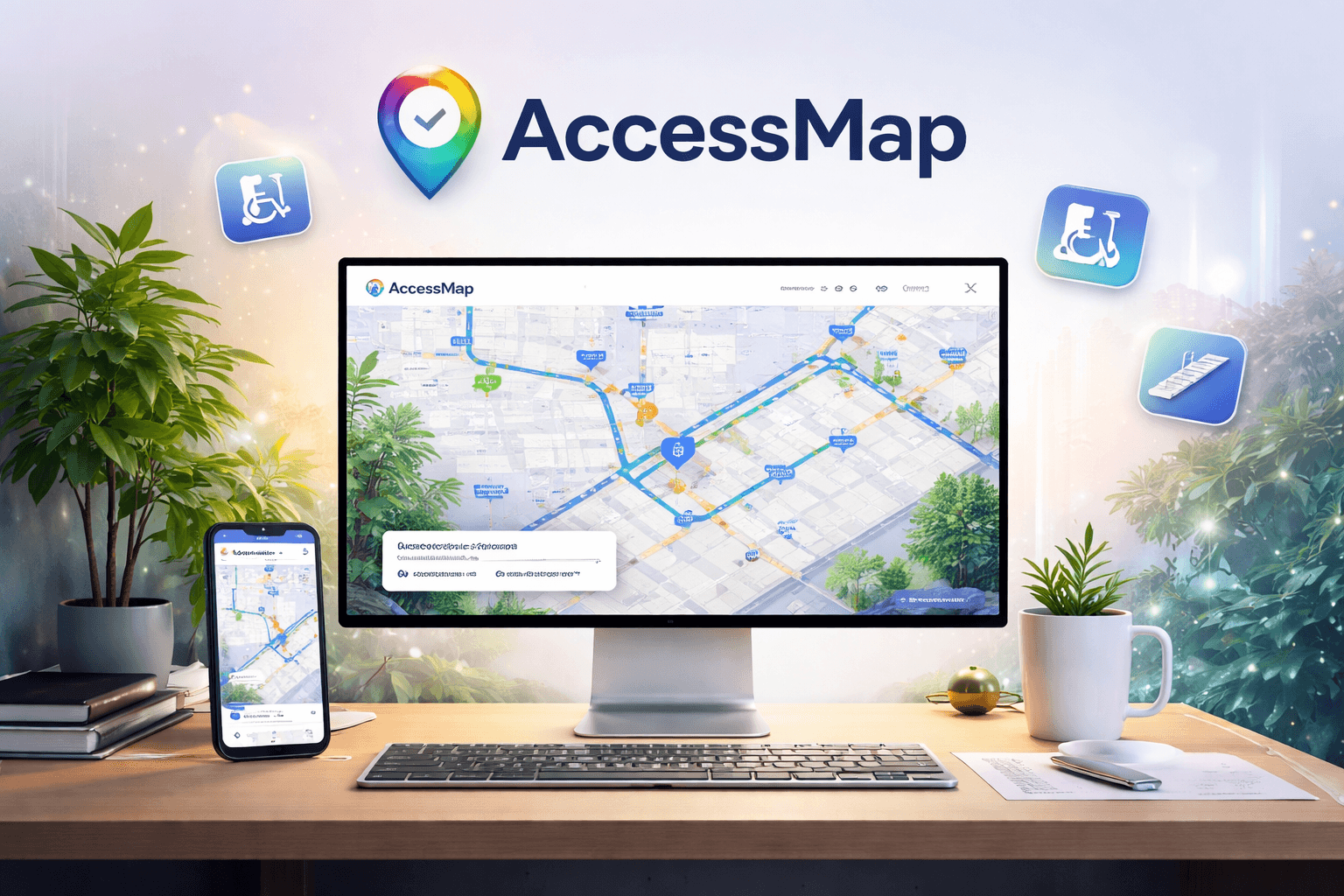

AccessMap is an accessibility-first navigation system that helps people choose routes that match real mobility constraints—not just the shortest path. I translated barrier signals (step-free options, slope/grade, curb cuts, surface quality, and temporary blockers like elevator outages/construction) into a trust-first routing experience with clear tradeoffs and confidence cues—so users can move with control even when data is imperfect.
Built to ship and scale, the work focuses on decision moments: filter → compare tradeoffs → start route → detect issues → reroute/recover. I delivered an interactive demo prototype plus a reusable component + state system (missing data, conflicts, outages, reroutes) with handoff-ready specs—so teams can iterate fast, align stakeholders quickly, and roll out consistent patterns across cities.
Timeline
4–6 weeks — Discovery → requirements + constraint mapping → IA + route logic → flows → hi-fi UI → interactive prototype (demo) → usability loops + iteration → handoff
Why this matters
Most maps assume a “default body.” For wheelchair users, people with injuries, seniors, and caregivers, stairs/steep slopes aren’t a minor inconvenience—they’re a hard stop. AccessMap reframes routing as a trust + safety problem: if constraints aren’t explicit, people can’t plan safely. By making accessibility signals visible and designing resilient fallback states (missing data, blocked paths, sudden outages), AccessMap enables inclusive navigation that can scale across cities while keeping users in control.
I treated this as a high-stakes, trust-first navigation problem—where clarity, reliability, and accessibility aren’t “nice to have,” because the cost of a wrong route is real. End-to-end UX: requirements → decision moments → interactive demo → reusable system → handoff—built to handle missing data, outages, and real-world constraints.
1) Cross-functional + constraints
Partnered with PM + Engineering to translate accessibility constraints + data gaps into user flows, edge states, and handoff-ready specs—aligning early on feasibility so what we demo matches what ships.
2) Templates/flows/diagrams
Used repeatable templates to quickly produce process flows, conceptual diagrams, and IA—helping stakeholders understand the tradeoffs and reducing downstream rework.
3) Fast iteration
Iterated quickly from flows → wireframes → hi-fi mocks → prototypes, incorporating feedback loops and usability signals to refine trust cues, decision clarity, and reroute/recovery behaviors.
Research & Insights
Identified primary users: wheelchair users, cane users, seniors, travelers with luggage, and people with temporary injuries.
Mapped core JTBD:
Decide confidently without barriers (no stairs / unsafe slopes)
Know what to expect before starting (surface, incline, curb cuts)
Recover fast when conditions change (outages, closures, missing data)
Found key pain points:
Uncertainty (hidden stairs/ramps, “step-free” claims not reliable)
Anxiety from last-minute obstacles
Low route confidence and limited fallback options
Confusing tradeoffs (shorter vs safer vs smoother)
Problem framming
How might we make barrier constraints (stairs, slope/grade, surface quality, outages) visible and explainable—so users can trust a route before committing and recover instantly when reality changes?
Information Architecture & Flows
Designed around decision moments (not screens):
Route selection: compare options with barrier badges (step-free, slope, surface, curb cuts)
Route explanation: “Why this route?” breakdown with tradeoffs + confidence signals
Plan/commit: show safest next step + what could change
Recovery: one-tap reroute + barrier alert + switch to safer mode
Edge states: missing data, conflicting signals, elevator outage, construction detour
Validation & Iteration
Prototype loops focused on:
Time to choose a safe route (decision speed without confusion)
Comprehension of tradeoffs (users can explain why one route is safer)
Confidence before starting navigation (trust signal clarity)
Recovery success when conditions change mid-route (reroute speed, lower anxiety)
Refined route cards, badges, and “Why this route?” affordances—reducing ambiguity and improving decision confidence. Agar tu chahe, main Deliverables line bhi add kar dunga (1 line): Journey map • constraint model • flow diagrams • interactive prototype • confidence signals • edge-state library • handoff specs
AccessMap turns messy, real-world accessibility constraints into a calm, trust-first navigation system—so users can choose confidently, know what to expect, and recover instantly when conditions change. Packaged as a demo-ready prototype + a reusable pattern library (components, variants, edge states) with handoff-ready specs for consistent rollout.
1) Reusable system contribution
Built reusable components + variants (tokens, layout rules, states) and defined scalable patterns for constraint-aware routing—so UI behavior stays consistent across features and cities.
2) Demo-ready prototyping + spec handoff
Delivered clickable hi-fi prototypes + clean specs (redlines, variants, empty/loading/error/recovery) and partnered with engineering + QA—ensuring what we present matches what ships.
Step-free and Low-stress routing
Users choose routes using clear, controllable constraints (not hidden assumptions):
Step-free mode (avoid stairs entirely)
Slope tolerance (e.g., gentle / moderate / strict)
Surface quality filter (smooth / uneven / unknown)
Elevator status preference (reduce outage risk when possible)
Curb-cut presence (prefer confirmed curb cuts)
Impact → safer defaults • fewer last-minute blockers • faster “safe route” choice
Confidence-based route cards
Each route surfaces decision-first clarity before commit:
Accessibility badges (steps, slope, surface, curb cuts, elevators)
Confidence signal (data coverage + recency + verification)
“Why this route?” explanation (tradeoffs + risk flags + what to expect)
Fallback options (safer alternative + minimum-risk route)
Impact → fewer “surprise stairs” moments • higher trust • lower anxiety pre-start
Community-powered reporting
Reliability improves through lightweight reporting + verification:
Report barriers in 2 taps (stairs, blocked ramp, broken elevator, construction)
Upvote/verify reports to strengthen signal quality
“Last verified” timestamps + source labels (community/official/sensor)
Fast updates + route warnings to prevent mid-trip surprises
Impact → fresher data over time • clearer trust cues • stronger long-term usability
Outcomes from AccessMap’s end-to-end UX work—focused on reducing uncertainty, speeding up decisions, and building trust for accessibility-critical navigation. Delivered as a demo-ready story and a reusable system that teams can ship consistently.
Faster route decisions
Route cards + accessibility badges made tradeoffs scannable (step-free, slope/grade, surface), so users compare options quickly instead of guessing.
Impact → faster “safe route” selection • fewer back-and-forth checks • lower decision fatigue
Higher confidence before starting navigation
“Why this route?” explanations + visible constraints made difficulty predictable upfront—reducing mid-trip surprises and anxiety.
Impact → fewer abandoned routes mid-trip • stronger trust in recommendations • clearer expectation-setting
Better recovery when the real world changes
One-tap reroute + barrier alerts supported quick recovery during elevator outages, construction, detours, or missing data.
Impact → fewer failed trips • smoother continuation • less time lost to re-planning
More reliable experience through feedback loops
Community reporting + verification signals improved data quality over time and kept routes current.
Impact → higher confidence over time • clearer “last verified” cues • stronger long-term usability